
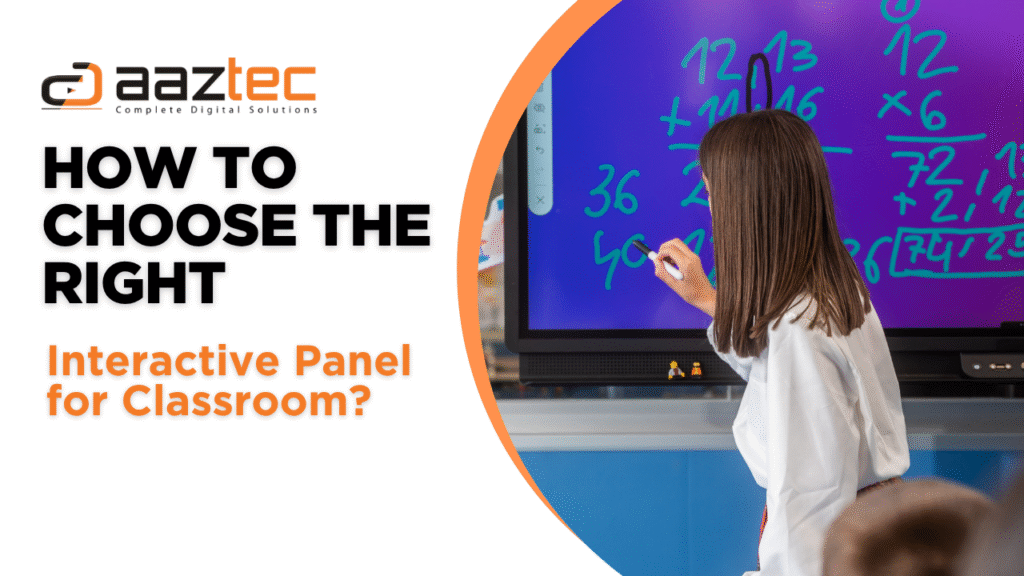
Interactive panels are taking over modern classrooms, and let’s be honest—it’s not just some fancy screen on the wall. It’s a whole new way of teaching, connecting with students, and making learning interesting & cool again. But yeah, with so many choices out there, it can get a little overwhelming. So, how to choose the right interactive panel for classroom without feeling lost? That’s what we’re here to figure out.
First things first, what even is this tech? An interactive panel (also called an interactive flat panel display or IFPD) it’s a touchscreen display that lets you write, draw, swipe, play videos, browse the web, and run apps—right from the panel itself.
Unlike the old-school interactive whiteboards that needed a projector and a pen, these panels are all-in-one. No calibrations, no shadows, and thank god, no cables everywhere.
Let’s face it: blackboards are great for nostalgia, not so much for engagement. Here’s why teachers are loving this shift:
See? It’s more than just a screen—it’s your digital co-teacher.
Let’s talk screen size. It’s not just about going big—it’s about choosing what actually works for your space. A screen that’s too small can be hard to read from the back row, and one that’s too large might feel overwhelming or out of place.
Think about how far students sit from the front, the overall dimensions of your classroom, and the layout. The goal is clear visibility for everyone, not just those in the front seats.
Here’s a rough guide:
Keep in mind:
Important note: Mount it at eye level for better interaction. Please don’t put it so high only the giraffe students can reach it.
Resolution matters. A lot. No one wants to squint at blurry diagrams.
And then there’s brightness. Classrooms with lots of sunlight need higher brightness levels (like 350–400 nits or more). Otherwise, it’s like watching a movie through a foggy window. So yeah, how to choose the right interactive panel for classroom often starts with screen clarity.
Okay, here’s the fun part. What bells and whistles actually matter?
Oh, and make sure it boots up fast. Waiting for 5 minutes every class isn’t fun.
This one’s important and often overlooked.
Check for:
Tech is great, but only if it actually works with your current setup.
Imagine this: you’re in the middle of a lesson, the panel freezes, and your tech guy is on vacation. Nightmare.
So ask the supplier:
Interactive panels are an investment. You want peace of mind, not tech headaches.
Yup, schools don’t change hardware every year. So future-proofing matters. Look for:
And yeah, how to choose the right interactive panel for classroom isn’t just about now—think 5 years ahead.
Pricing depends on features, size, and brand. Here’s a ballpark:
Worried about budget?
Or choose lower specs and upgrade later
When it comes to making the right decision for your school, Aaztec has your back. With a strong reputation in the EdTech space, Aaztec provides reliable, teacher-friendly interactive panels that are packed with features schools actually use.
Why Aaztec?
Whether you’re upgrading one room or a whole building, Aaztec ensures a smooth, stress-free experience—right from consultation to installation. Because choosing the right interactive panel for classroom shouldn’t be complicated.
Oh yes, this needs a whole warning board.
Basically, how to choose the right interactive panel for classroom means thinking beyond specs.
So here we are. Choosing the perfect interactive panel isn’t just about price or looks. It’s about the right size, right software, useful features, solid support, and future-readiness. A good panel can transform your class. A bad one? It just becomes an expensive TV.
And if you’re still wondering which brand to trust—go with Aaztec. From high-quality panels to dedicated training and unmatched support, Aaztec makes the transition to smart classrooms smooth and worry-free. It’s not just a product, it’s a partnership.
So next time someone asks you how to choose the right interactive panel for classroom, you’ll know exactly what to say. Or maybe just send them this guide.
Best 75 Inch Smart Digital Board in India
Aaztec is the name to know when it comes to digital display solutions. We’re not just another company jumping on the bandwagon – we are transforming and revolutionizing the industry with our cutting-edge technology and innovative approach.
Head Office: 646 pace city 2, Sector 37 Gurgaon, Haryana
Singapore Office: Level 9, Tampines Junction, 300 Tampines Avenue 5,Singapore-529653
Dubai Office: F 108, Al Manara Bldg, Sheikh Zayed Road Al Quoz, P.O. Box 85726,Dubai ,UAE
© 2025 Aaztec India Solution. All Rights Reserved. Design & Developed by Amica Solution Pvt Ltd.